¶ Push Button
The Push Button Widget is designed to control a device by toggling a specific parameter between ON and OFF states, providing a simple and interactive way to manage device operations directly from the dashboard.
¶ Overview
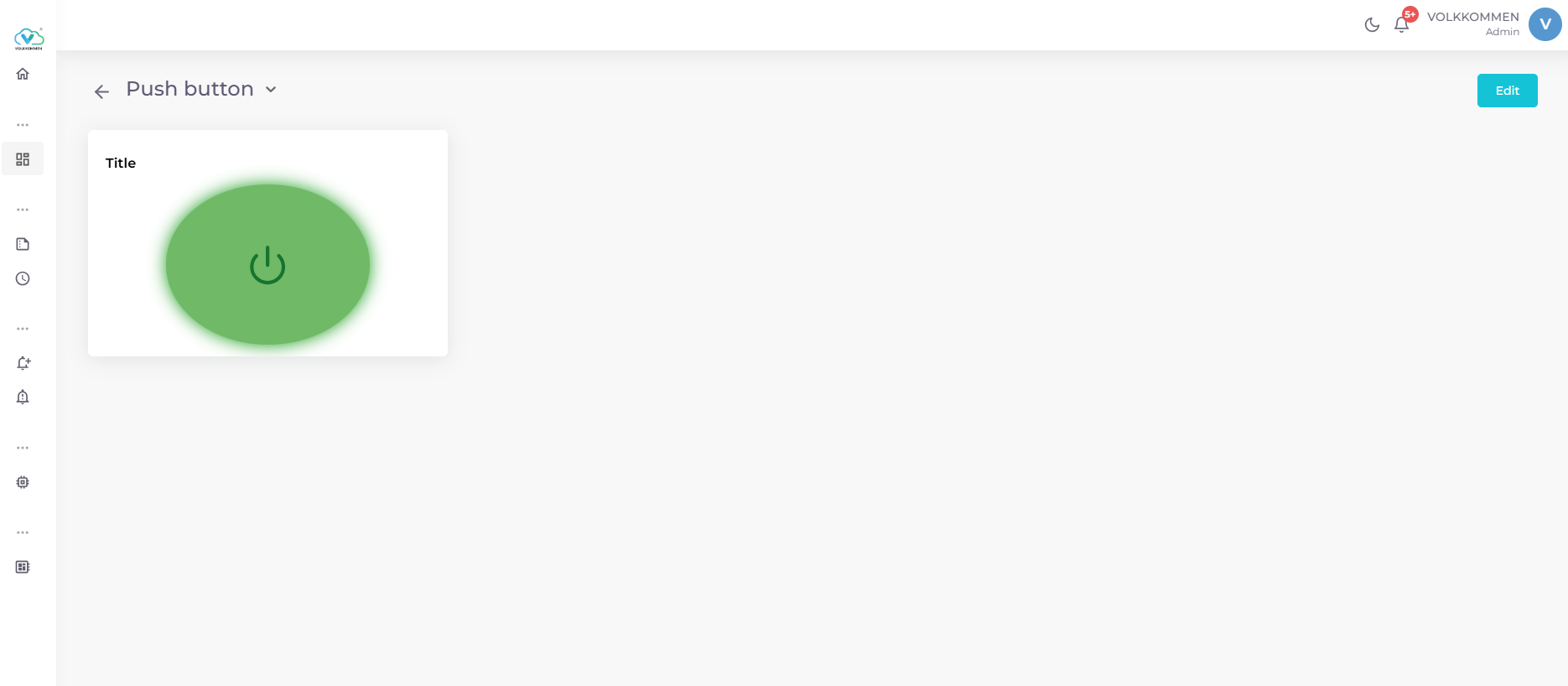
The Push Button Widget allows you to control a single device parameter with a single click. It visually represents the current state (ON or OFF) of the parameter and enables real-time interaction to toggle the state. The widget features a circular button with a power icon, making it intuitive for users to control devices such as switches, relays, or other binary-state components.
¶ Data
To configure the Push Button Widget:
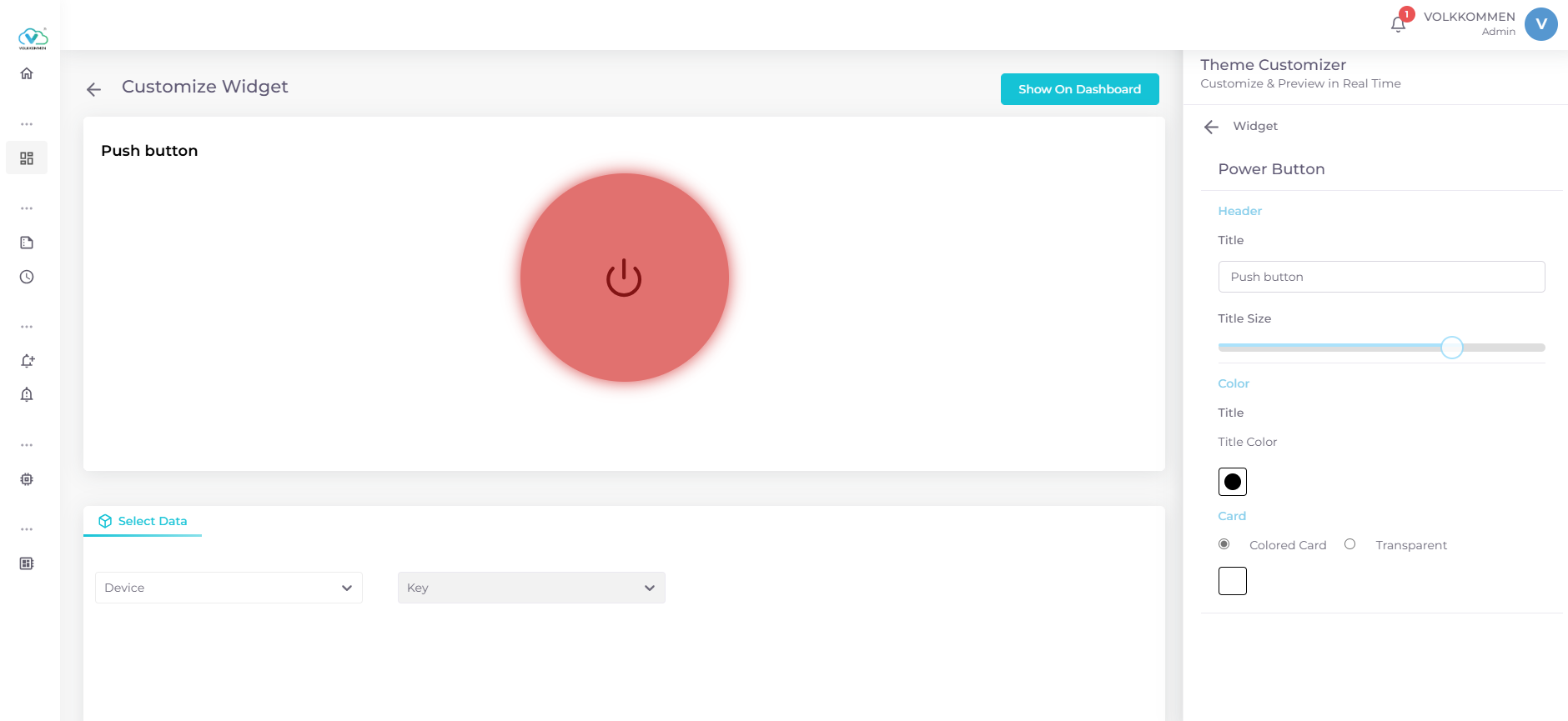
- Use the device and parameter selection panel at the bottom of the page to choose one device and one parameter.
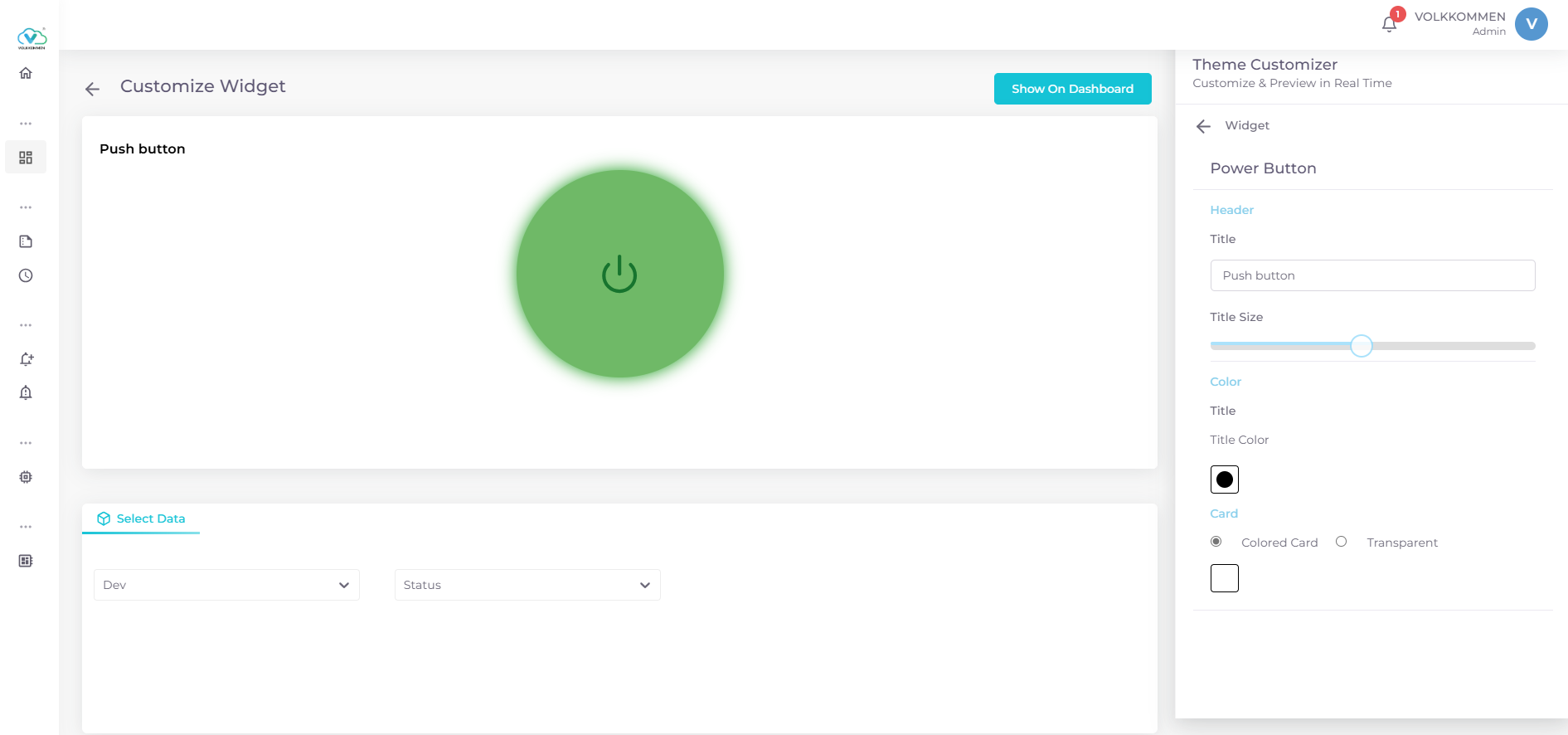
- The widget displays the current state (ON or OFF) of the selected parameter, fetched in real-time from the device.
- When you click the button, it sends a command to toggle the parameter’s state (e.g., from ON to OFF or vice versa).
¶ Configuration
The Push Button Widget offers several customization options to tailor its appearance:
- Title Field : Enter a title for the widget, which appears above the button.
- Title Size: Adjust the size of the title text using a slider.
- Title Color: Select a color for the title text from a predefined set of options.
- Card Background:
Colored Card: Choose a background color for the widget card from a variety of options.
Transparent: Set the card background to transparent for a minimalist look. - Button Appearance: The button is circular with a power icon and changes appearance based on the parameter’s state.
Steps to Configure:
- Select the Push Button Widget from the widget selection menu.
- Choose one device and one parameter from the selection panel.
- Enter a title in the title field.
- Adjust the title size using the slider.
- Select a title color using the color picker.
- Click Show on Dashboard to display the widget and click save to persist the changes.
¶ Working
The Push Button Widget enables real-time control of a device parameter through MQTT communication:
-
Parameter Requirement: The selected parameter must have a boolean value (true or false), representing the ON (true) or OFF (false) state of the device.
-
Control Mechanism: When the button is clicked:
The widget sends the parameter name and its new state (e.g., true for ON, false for OFF) to the MQTT topic control/v1/topic.
This command instructs the device to toggle the parameter’s state. -
Response Update: The device responds with the updated state via the MQTT topic data/v1/topic.
-
The widget fetches this response and updates the button’s appearance to reflect the new state ( ON or OFF).
¶ Additional Notes
- Real-Time Control: Clicking the button sends a command to the device to toggle the parameter’s state, and the widget updates to reflect the new state.
- Edit Mode: In dashboard edit mode, you can access options to edit or delete the widget via buttons in the top-right corner of the card.
For more information on adding widgets to your dashboard, refer to the Create Dashboard page.